AI nutrition trackers have made logging food almost effortless — type a sentence or snap a photo, and you get a calorie and macro estimate in seconds. But the estimate is only as good as what you give the app. The same meal, described two different ways, can come back with wildly different numbers. The good news: a handful of small habits close most of that gap. Here's how to describe your food so an AI calorie tracker — whether it's Caltrac or any other — gets it right.
First, understand what the AI is actually doing
Every AI food log answers two separate questions: what is this food, and how much of it is there. "What" gets matched against a food database; "how much" gets converted into grams or millilitres. Most bad estimates come from the app nailing one question and missing the other — a correctly identified food at triple the real portion, or the right portion of the wrong food. Each habit below helps the app win on one of those two fronts.
Name the whole dish, not an ingredient
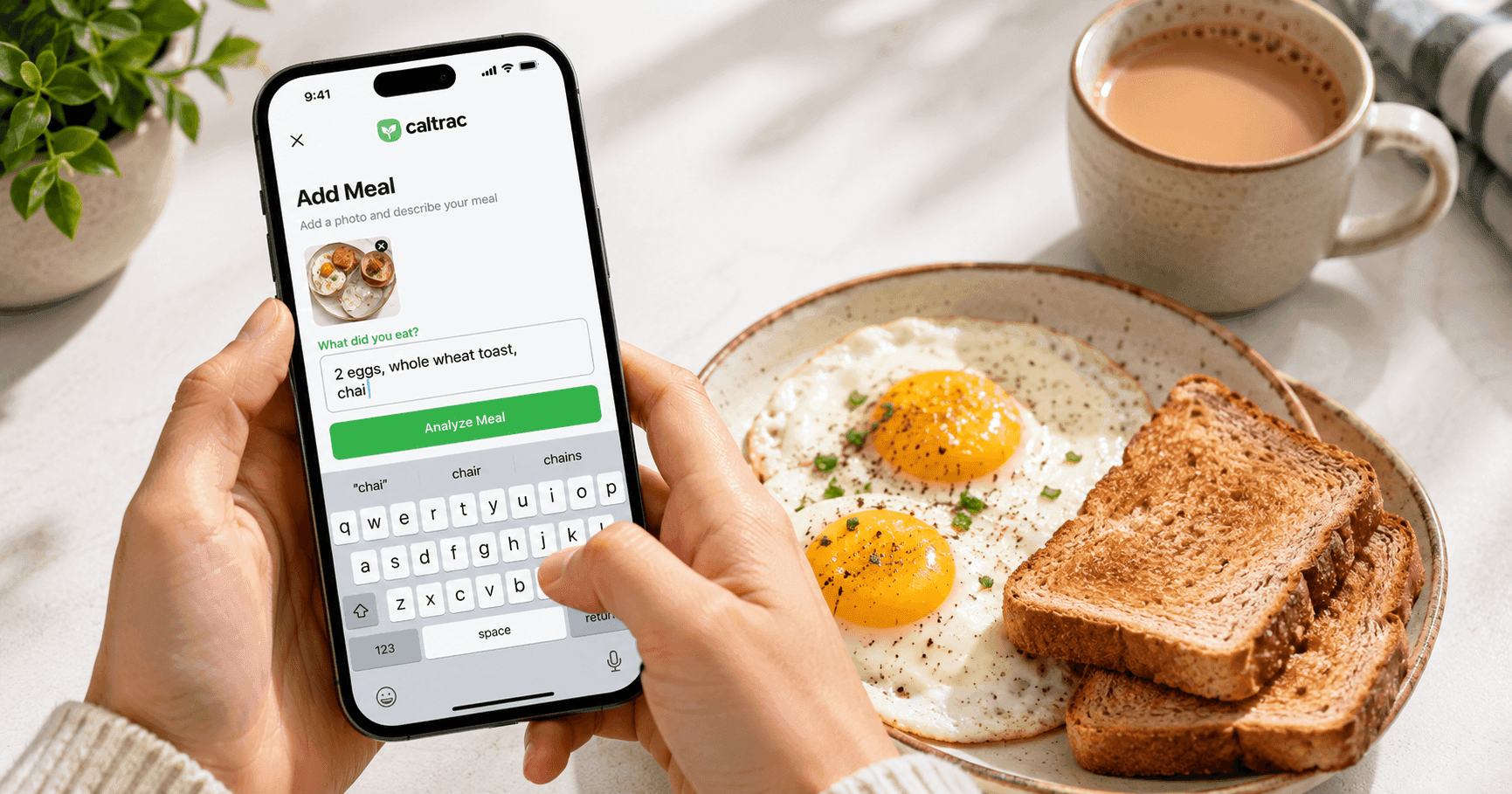
This single habit prevents the biggest category of blow-ups. AI trackers match your words against a database, so "tea with milk" or "chai" lands on the actual beverage — roughly 10–40 kcal per 100g — while "whole milk" lands on dense dairy, and suddenly a mug of tea reads like a milkshake. The classic horror story of "a cup of tea logged as 2,000 calories" almost always traces back to this.
The rule: name the finished thing. "Latte," not "espresso and milk." "Butter chicken," not "chicken, butter, cream." "Pad thai," not "rice noodles with peanuts." Composite dishes exist in food databases precisely so the app can use realistic recipe-level numbers.
Describe amounts the way you'd say them out loud
You don't need to weigh everything. Good AI trackers understand household language as real-world servings: "a cup of coffee" means a mug (around 240g, water included), "a glass of milk" means a drinking glass (~250g), "a bowl of rice" means a bowl — not laboratory measures.
When you want precision, switch to metric: "150g of yogurt" or "200 ml of juice" tells the app to use exactly that amount, no interpretation involved. One nuance worth knowing: in everyday speech, "cup" means the vessel you drink from. If you genuinely mean the 240 ml kitchen measuring tool, say "measuring cup" — otherwise the app should assume the household meaning.
Count the countable things
For foods you'd naturally count — "2 eggs," "3 slices of toast," "5 dumplings" — the number is the portion, and the app multiplies it by a typical unit weight. So say the number. For everything else — plated food, mixed dishes, drinks — you don't need to count anything; just describe the serving and let the app do the rest.
Say "unsweetened" when it's true
Sugar is one of the few things an app genuinely cannot see or infer reliably. Phrases like "no sugar," "unsweetened," "sugar-free," or "zero sugar" explicitly tell the tracker to set sugar to zero. Leave it out, and the app has to make a best-effort guess based on how that food is typically prepared. Declaring it is the difference between a fact and a guess — black-coffee and diet-soda drinkers benefit the most.
Add the few words that actually move the number
Cooking method and added fat change calories more than almost anything else you could mention. "Grilled" vs. "fried," "cooked in oil," "with butter," "with dressing" — each of those can swing a meal by hundreds of calories. A few targeted words like these beat a long, meandering description every time. Think of it as telling the app what it can't know from the name alone.
For photos: one clear shot of the whole plate
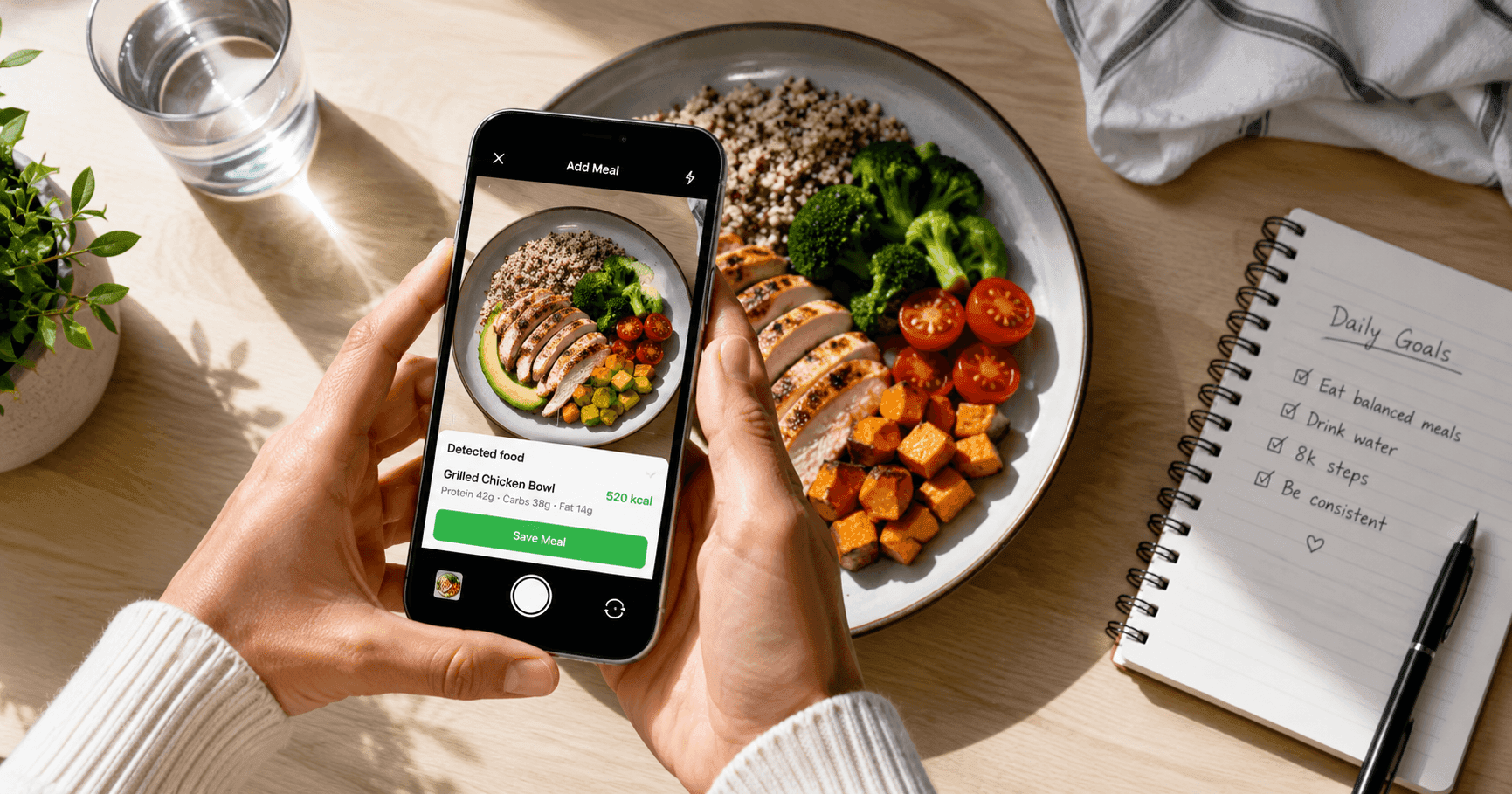
Photo logging follows the same logic — help the AI answer "what" and "how much." Get the entire plate in frame in decent light, avoid heavy shadows, and keep distinct foods visually separate rather than piled on top of each other. And if the packaging says "sugar-free" or has a nutrition label, include it in the shot: a good vision model can read a visible label, which turns a guess into ground truth.
Glance at the confidence, then fix the portion
Better AI trackers score "what" and "how much" separately — and the most common pattern is high confidence about the food with low confidence about the amount. That's your cue: the identification is fine, just nudge the portion up or down. A two-second edit there does more for your daily accuracy than rewriting the whole entry. And if you're logging last night's dinner the morning after, log it at its actual time so your daily totals stay honest.
The bottom line
AI nutrition tracking doesn't ask you to be a food scientist — it asks you to be a decent witness. Name the dish, give an amount in plain words, count what's countable, declare "unsweetened" when it's true, mention the oil, take one clear photo, and correct the portion when the app tells you it's unsure. Do that, and estimates land close enough to steer real decisions. If you want to see how far this has come, get started with Caltrac and log your next meal in a sentence — then tweak the portion and watch the number respond.